IT Disaster Recovery :
Your Business Guide for Every Industry
- September 2025
“An ounce of prevention is worth a pound of cure.”
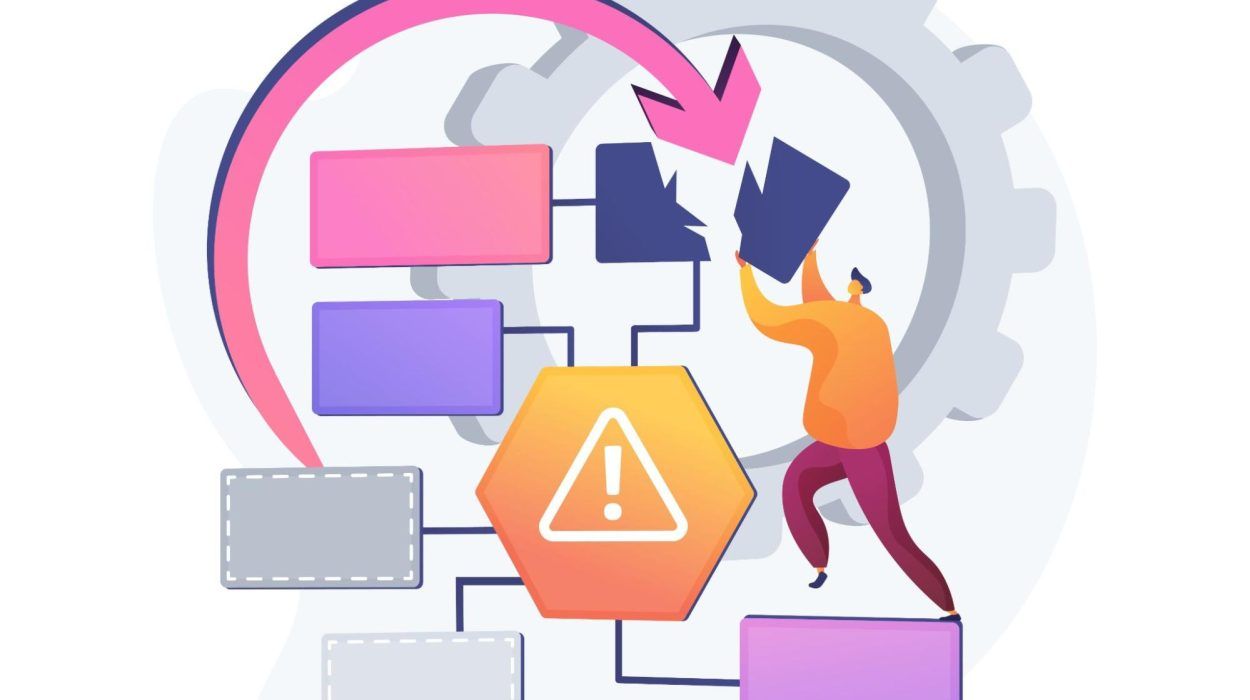
IT Disaster Recovery (DR) is a major component of business continuity planning in today’s tech-driven world.
Disaster Recovery refers to the strategies, technologies, and processes that restore IT systems, data, and operations in the event of cyberattacks, natural disasters, or hardware failures.
Without a strong Disaster Recovery plan, businesses risk facing:
- Data Loss
- Prolonged downtime
- Financial losses
- Reputational damage
IT Disaster Recovery (DR) is a major component of business continuity planning in today’s tech-driven world.
Disaster Recovery refers to the strategies, technologies, and processes that restore IT systems, data, and operations in the event of cyberattacks, natural disasters, or hardware failures.
Without a strong Disaster Recovery plan, businesses risk facing:
Disaster Recovery Scenarios & Solutions Across Different Industries You Should Know
A one-size-fits-all DR approach simply doesn’t work. Each industry faces unique risks, compliance standards, and technology demands.
Here’s a closer look at key DR challenges and tailored solutions for the following industries:
- Hospitality
Hotels, resorts, and restaurants must keep reservation systems, guest records, and payment processing fully operational to provide a seamless guest experience.
System outages can lead to booking confusion, transaction failures, lost revenue, and dissatisfied guests.
Solution:
Deploy automated failover systems with redundancy measures to maintain continuous access to guest information and booking systems. Real-time data synchronisation ensures that reservations and transactions remain accurate, while secure storage protects customer details from data breaches.
- Logistics
Logistics and transportation companies depend on real-time tracking, inventory management, and supply chain visibility to meet delivery schedules efficiently.
Even minor system failures can lead to costly delays and disruptions.
Solution:
Use high-availability infrastructure with live data replication as a core component of disaster recovery strategies to keep logistics systems running without interruption. Automated recovery measures minimise downtime, preventing shipment delays and maintaining supply chain efficiency.
- Healthcare
Hospitals, clinics, and healthcare providers rely heavily on uninterrupted access to patient records and critical systems to deliver timely care on a daily basis.
Additionally, compliance with regulations such as HIPAA (Health Insurance Portability and Accountability Act) mandates stringent data protection and privacy measures.
Solution:
Implement cloud-based backups with advanced security and redundancy features to ensure minimal downtime. Sensitive healthcare data remains securely stored, encrypted, and instantly recoverable, protecting both patient safety and regulatory compliance.
MyCloud integrates both advanced Disaster Recovery and offsite backup solutions so your business has the tools to bounce back from any scale of data loss or disruption.
How is Disaster Recovery Different From Regular Backup?
Disaster recovery and regular backup plans are often confused but serve distinct purposes:
- Regular Backups
- Primarily focused on saving copies of data.
- Used for recovering individual files or small-scale data losses.
- Does not include system restoration or operational continuity.
- Regular Backups
- Primarily focused on saving copies of data.
- Used for recovering individual files or small-scale data losses.
- Does not include system restoration or operational continuity.
How Will Cloud Computing Affect Traditional Recovery Services?
Cloud computing has changed the way we approach Disaster Recovery considerably.
It addresses many limitations inherent in traditional recovery services and introduces more efficient, cost-effective solutions.
Here’s how:
- No Need for Physical Disaster Recover Sites
Traditional DR rely on dedicated physical sites with redundant servers and hardware. These facilities are costly to maintain and immobile due to being geographically bound, meaning they are less accessible during regional disasters.
Cloud-based DR, like the ones offered by MyCloud, removes this dependency. We help businesses establish virtual environments accessible from anywhere. Recovery is not tied to a specific location. Critical systems and data can be replicated in secure, geographically distributed data centres.
- Scalability and Flexibility
Traditional recovery services operate on fixed capacity. Businesses must estimate their future needs and invest in hardware and resources accordingly. More often than not, it leads to over- or under-provisioning.
With cloud-based DR, your business can adjust resource allocation on demand. You can scale up during a crisis or scale down during normal operations. This pay-as-you-go model ensures flexible cost-efficiency while maintaining high performance.
- Faster Recovery Times
Recovering from traditional DR setups involves reinstalling hardware, restoring backups, and configuring systems. The process is time-consuming and resource-intensive.
Cloud-based DR speeds up recovery time significantly. Virtual environments can be spun up almost instantly, enabling businesses to resume operations quickly.
Transitioning to cloud-based data centre recovery solutions allows organisations to outpace the limitations of traditional DR services effectively. You can reduce costs, enhance operational resilience, adhere to industry standards, and future-proof operations in an increasingly digital world
01
Assess Risks and Identify Needs
02
Define Recovery Objectives
03
Leverage MyCloud's Features
04
Test and Refine the Plan
So what should an IT Disaster Recovery plan include?
Well, creating an effective Disaster Recovery plan requires a structured approach.
Here’s how to build one step by step:
Step 1
- Assess Risks and Identify Needs
- Conduct a comprehensive risk assessment to understand potential threats to your IT systems such as cyberattacks, hardware failures, or natural disasters.
- Identify critical operations and systems that require priority restoration
Step 2
- Define Recovery Objectives
- Recovery Time Objectives (RTOs) : Determine how quickly systems need to be restored to resume operations.
- Recovery Point Objectives (RPOs) : Identify acceptable limits for data loss based on your business needs.
Step 3
- Leverage MyCloud’s Key Disaster Recovery Features
- Automated and Encrypted Backups : Protect your data with secure, automated backups for less manual labour and greater reliability.
- Instant Data Recovery : Minimise downtime with MyCloud’s data centre backup options that bring systems back online in record time.
- Compliance-Friendly Solutions :Stay compliant with industry regulations through tailored Disaster Recovery services.
- Scalability for All Sizes :Adjust resources on demand to suit your business’s growth and evolving requirements.
- 24/7 Server Support : Gain peace of mind with round-the-clock monitoring and expert assistance to address issues swiftly.
Step 4
- Test and Refine the Plan
- Regularly test your Disaster Recovery plan to identify gaps and weaknesses.
- Refine your strategy based on test results and adapt it based on operational needs or technology updates.
MyCloud’s team is here to assist you every step of the way. From assessing risks to implementing and refining your plan, we’ll help ensure your business is prepared for any disruption.
Our Related Offerings
Browse through our solutions that align with this topic. From cloud technology to IT support, we provide everything you need to move your business forward.
Web Hosting Services Fast, Consistent & Affordable
Perfect for your corporate or ecommerce websites
Disaster Shall Not Strike You Today With MyCloud in Their Way
A solid Disaster Recovery strategy can and will protect your business from downtime, data loss, and costly operational hiccups. With MyCloud as your Disaster Recovery vendor and partner, you’ll be more than ready to tackle specific challenges of your industry. Our advanced cloud-based DR services offer the perfect blend of confidence, scalability, and efficiency to modernise your approach to disaster recovery. Don’t leave your business vulnerable! Partner with MyCloud today and take the first step towards a safer and more resilient future for your business.
Talk to MyCloud today for a no-pressure demo.
Let us show you how the right HR system can transform your business from the inside out.
Suggested Articles
Don’t miss out on valuable tips, trends, and success stories in cloud computing. Visit our blog for expert articles, in-depth guides, and more to help you grow your business with cloud technology